See a new hairstyle on the photo you already have
Upload one photo, pick a gender and a card, and preview the cut. Your first result is free, with no watermark. Type a freeform change from EasyFace home.
Create your new hairstyle in 3 steps
- 1
Upload your photo
A clear portrait, face visible, in good light. JPEG, PNG, or WebP. Drag it in, or use the file button.
- 2
Select gender and a hairstyle
Female and Male switch the library. The card you press is the only change that runs. A color is a different page.
- 3
Generate and preview
Your first result is free, with no watermark. Compare it with the photo you uploaded. The clean file is 6 credits, and a failed run does not keep it.
Why use these hairstyles
- See the cut on your face
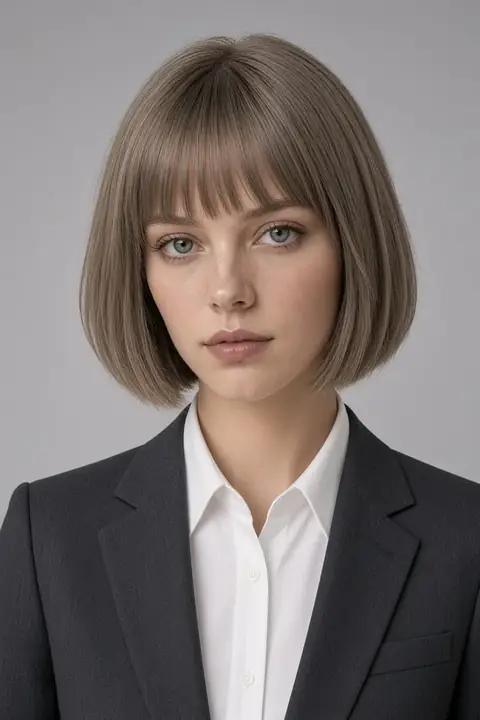
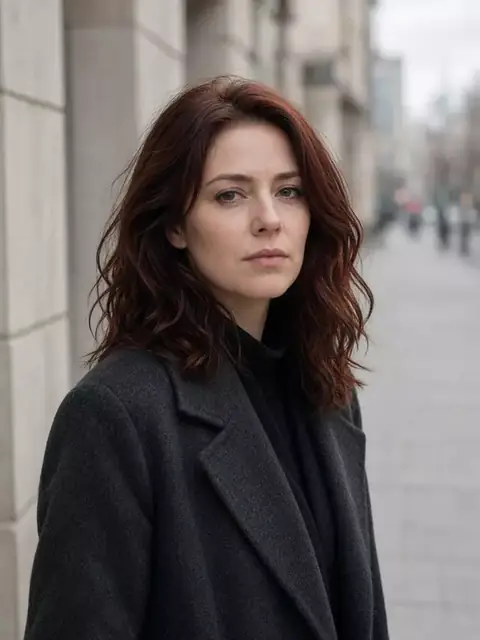
The sample is a studio portrait. Upload your photo to see how the haircut sits on you.
- Before the salon
Use the free preview to decide, before anyone picks up scissors.
- One card, one cut
Bob, bangs, a buzz, and long hair are separate pages, so the result is not a mix of cuts.
- The face stays
The hair changes. The person in the photo is not replaced with someone else.
- No editing skill
You do not cut a mask. Pick the card and press Generate.
- Color is a different tool
Blonde, black, and red dye the length you already have. They do not grow a new haircut.
Full size, no watermark
Your first result is free and clean. After that, each image is 6 credits. A failed run gives the credits back.
See pricingA hairstyle for the occasion
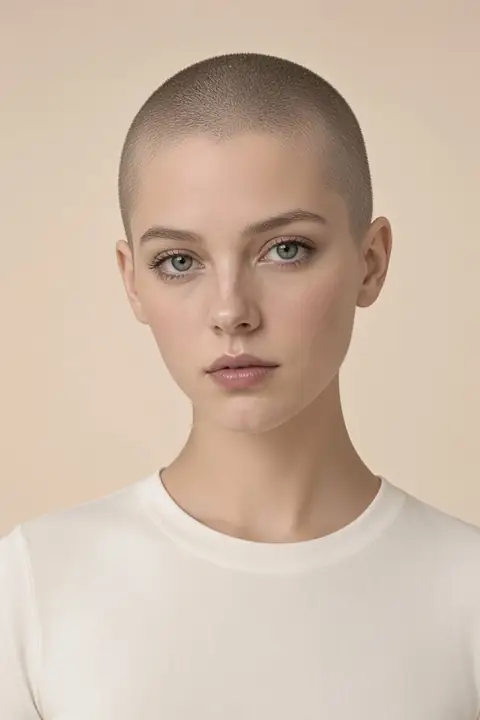 Buzz cut filterA short clipper buzz on the hairline you already have.
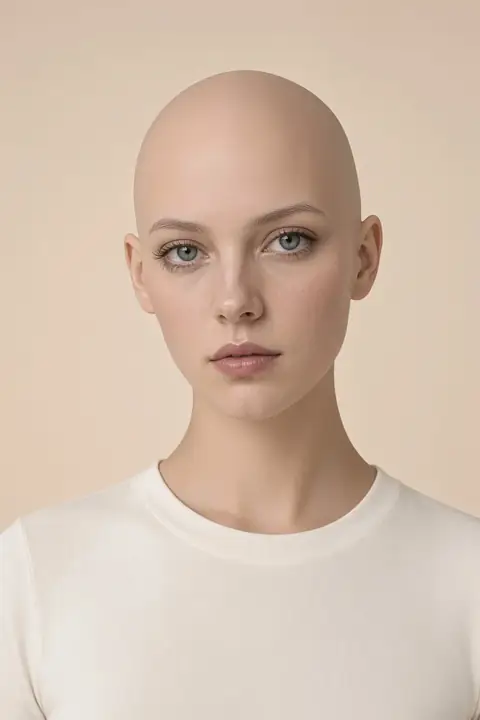 Bald filterA bare scalp, not clipper stubble.
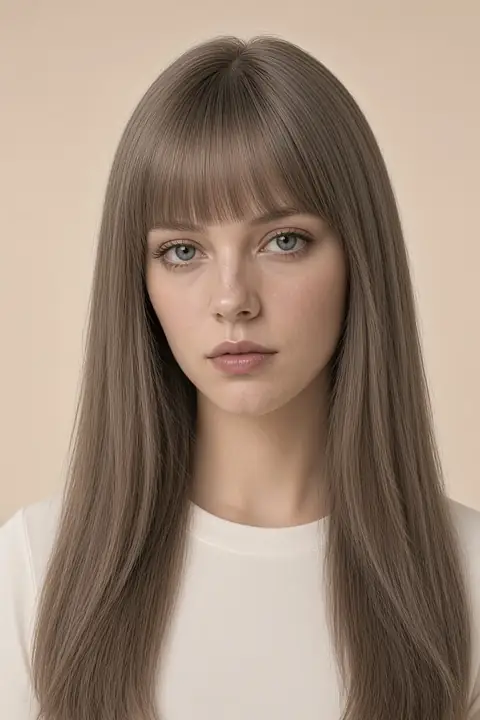 Bangs filterA fringe on the length you uploaded.
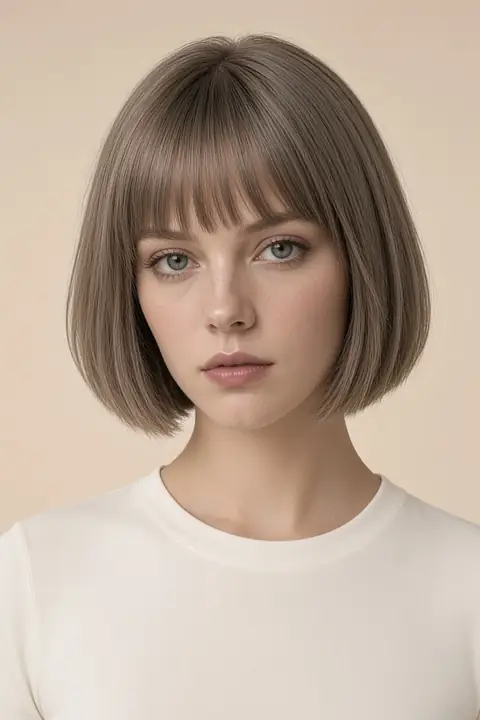
- Bob haircut filterChin-length with straight bangs. Not a buzz.
Hairstyle FAQs
How a try-on works, what the preview shows, and which photos are worth uploading.
How does a hairstyle try-on work?
Upload one photo and open the card for that cut. The card is the only change. The face in the photo stays.
How realistic are the results?
Judge the file you uploaded, not the sample. A clear face in good light is easier to read than a hat or a tight crop.
Do I need editing skills?
No. You do not cut, mask, or paint. Pick a card and press Generate.
Can I try more than one style?
Yes. The photo stays selected when you open the next card. Your first result is free, with no watermark. Each clean file after that is 6 credits.
What photos work best?
A clear face, hair visible, as a JPEG, PNG, or WebP. Hair down is easier to judge than a hat.
Can I post the result?
Yes. Every download is full size with no watermark, including the free one.
Why do some styles fit better than others?
A buzz and a bob are different pages. If the result mixes them, you opened the wrong card or the run missed. Do not pay for that file.
Can I try another hair color?
Yes, on the AI hair color changer. Blonde, black, red, and pink dye the length you uploaded. They do not change the cut.
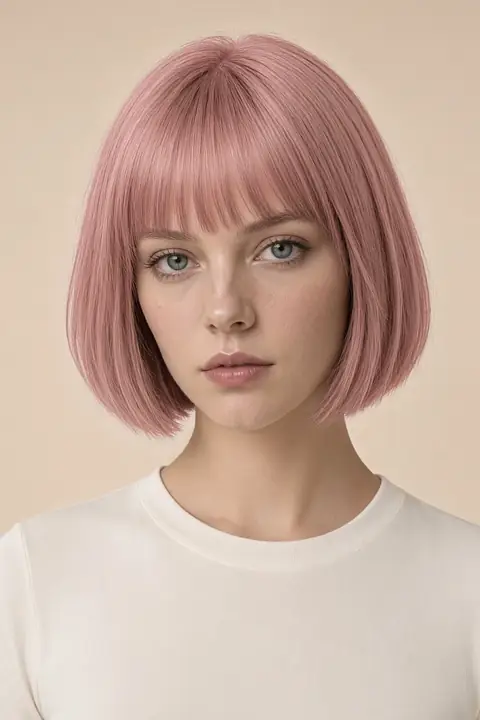 Hair color
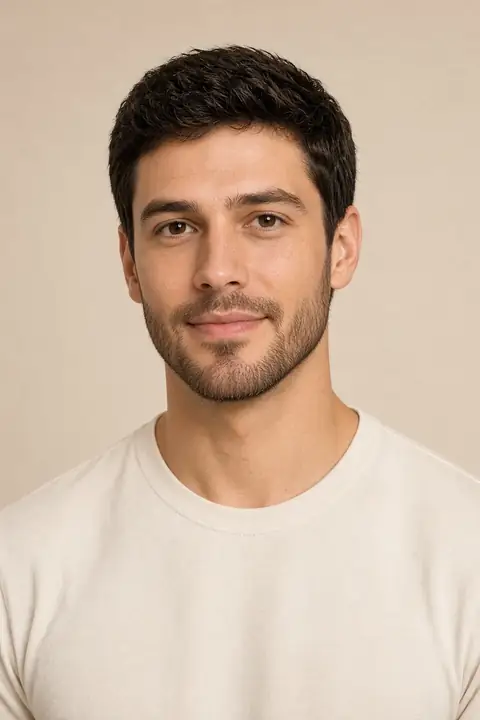 Facial hair
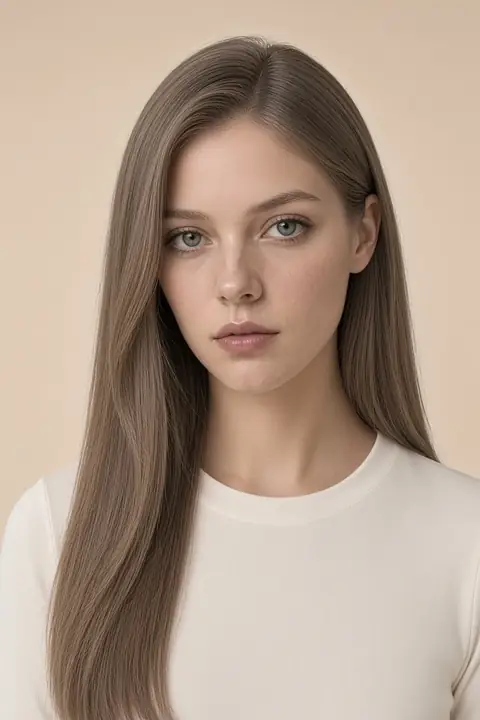 Face
Face Photo privacy
 Headshots
 Clothes
 Enhance
 Background
 Remove